

About this resource
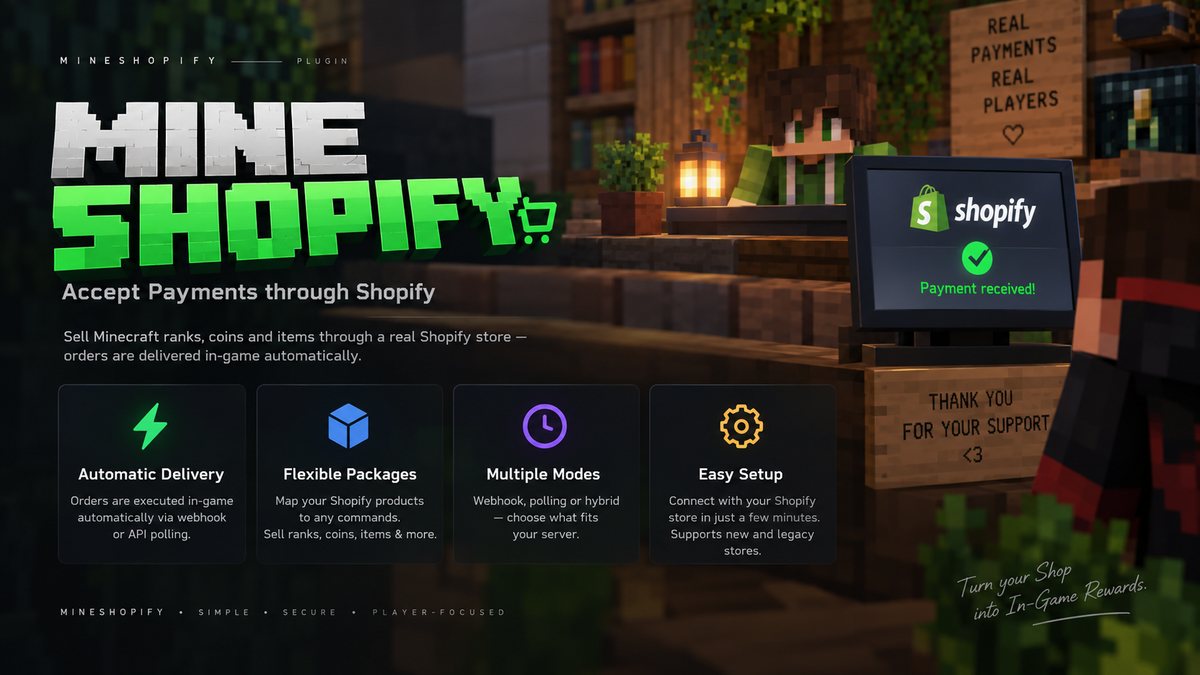
Sell Minecraft ranks, coins and items through a real Shopify store — orders are delivered in-game automatically. A customer buys a product in your store, enters their Minecraft name at checkout, and the plugin executes your configured commands — instantly via dashboard webhook or by polling the Shopify API directly.
New in 1.3.0: support for new Shopify stores (2026+)
Since January 2026 Shopify no longer allows creating legacy custom apps ("shpat_" tokens) for new stores. MineShopify 1.3.0 adds full support for Dev Dashboard apps using Shopify's client credentials grant:
- Enter only your app's Client ID + Client Secret in the config — done
- No OAuth redirect flow, no manual tokens, no webserver needed
- The plugin requests access tokens automatically and renews them before expiry (24h lifetime)
- On
401/403the token is refreshed and the request retried automatically
Token priority: oauth.refresh_token → oauth.client_id/secret (recommended for new shops) → shopify.token (legacy, still fully supported).
Also fixed & improved
/ms fetchactually fetches now (previously it only read the cached response)- OAuth token requests now use the correct
application/x-www-form-urlencodedformat - Rate-limit (429) handling with a clear log hint;
/ms statusreflects the real connection state - Full English/German localization via
messages.yml— all commands, help menu and GUI titles - Hardened HTTP timeouts, safer config saves from async threads, debug files written to the plugin folder
Three connection modes
| Mode | How it works | Best for |
|---|---|---|
webhook (default) | Orders are pushed instantly via the MineShopify dashboard | Easiest setup, no API credentials needed |
polling | The plugin polls the Shopify Admin API directly | Full control, no dashboard required |
hybrid | Webhooks + polling as fallback | Maximum reliability |
Package system & order management
Package system
- Map Shopify product names to any list of commands (
%player%placeholder) - Manage packages in-game:
/ms addcommand,/ms removecommand,/ms deleteproduct,/ms listproducts - Username detection from checkout fields (
username,minecraft_username,ign,playerand many more — line item properties and note attributes)
Order management
- Every order is stored (file or MySQL with connection pooling)
/ms orders [player],/ms info <id>,/ms refund <id>,/ms stats- Duplicate protection — an order is never delivered twice
- Test orders (
/ms test) and manual delivery (/ms force)
GUI, dashboard, pro features & languages
In-game GUI
/ms menu — orders, statistics, products and settings as a clickable menu.
Dashboard integration (mineshopify.com)
- Link with one command:
/ms setup <token> - Product sync in both directions, order history upload, heartbeat/status
- Webhook order delivery (instant, no polling)
Pro features
- Purchase history for players (
/ms history) - Gift system (
/ms gift <player>— next purchase is delivered to a friend)
Languages
- English (default) and German included, switchable via
messages.yml→language - Add your own language section freely; buyer/notification messages configurable in
config.yml
Commands, permissions & requirements
| Command | Permission | Description |
|---|---|---|
/ms / /ms menu | mineshopify.admin | Help / GUI |
/ms setup <token> | — | Link with the dashboard |
/ms status, /ms reload, /ms debug | mineshopify.admin | Diagnostics |
/ms fetch, /ms sync | mineshopify.admin | Manual fetch / dashboard sync |
/ms orders, /ms info, /ms refund, /ms stats | mineshopify.admin | Order management |
/ms listproducts, /ms addcommand, /ms removecommand, /ms deleteproduct | mineshopify.admin | Package management |
/ms force, /ms test | mineshopify.admin | Manual/test delivery |
/ms history, /ms gift <spieler> | (Pro) | Player features |
Requirements
- Server: Spigot/Paper 1.13+ · Java: 11+
- Optional: MySQL, MineShopify dashboard account
Step-by-step instructions: Open the installation guide →
